Try our email branding today, the first month is free of charge!
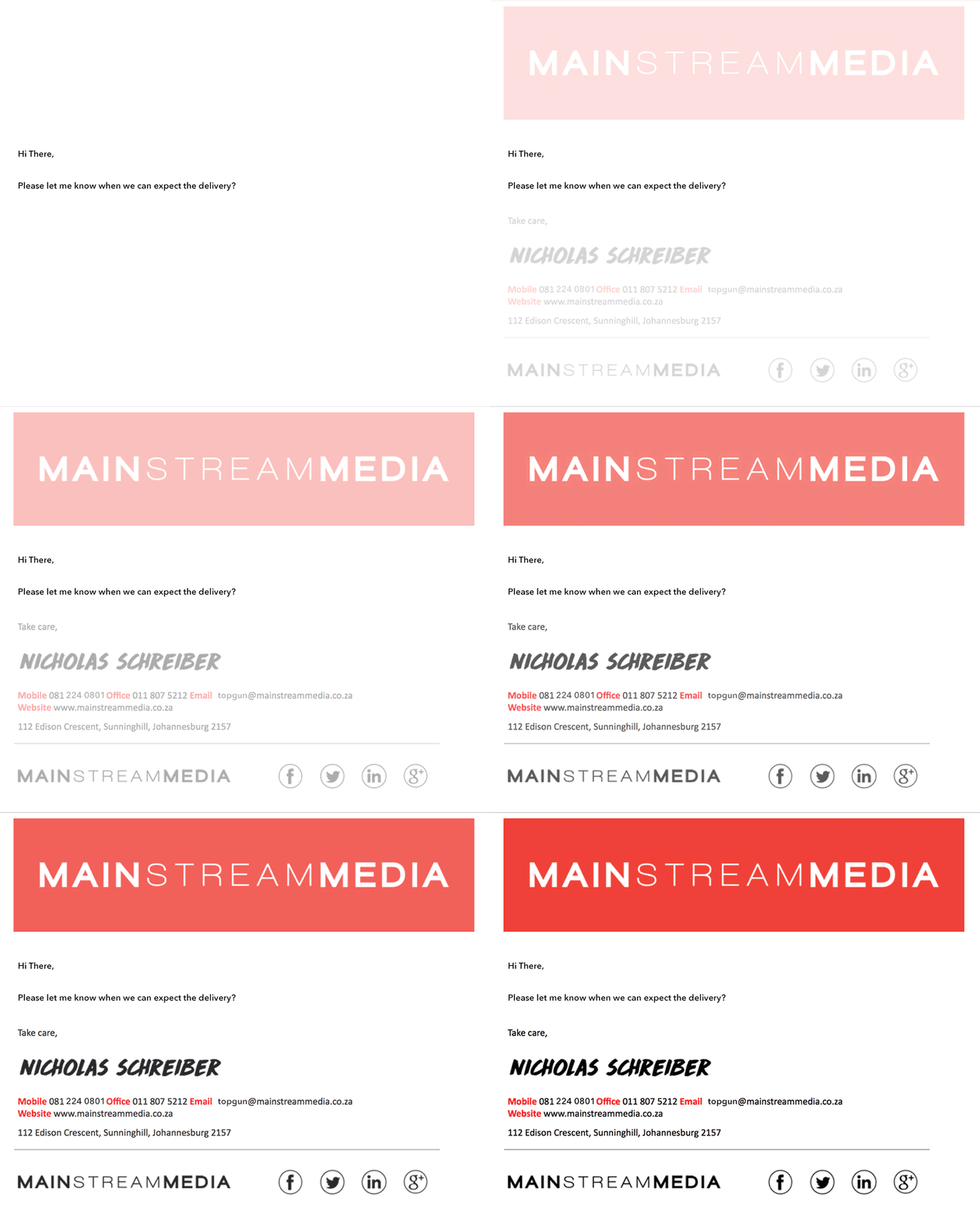
Personalised signatures, banners and disclaimers integrated into every email, no matter which device you sent it from.
What is Email Branding?
Email branding is the automatic insertion of your company branding into every email you send from your phone, tablet, laptop or desktop computer. This branding includes personalised signatures, banners , social media links and disclaimers.
Turn branding on for any of your mailboxes and configure banners and signatures using our unique web-based management interface.

Azure Active Directory Integration
We've integrated our email branding software with Azure Active Directory so your signature data is always up to date.
Spread your message effortlessly
Email branding is a great way to get your product out there in a non-intrusive manner. Every mail sent from your business creates a potential new lead.
Affordable and effective email branding
There is no reason to pay too much for your email branding. Our recently developed software is feature-rich and compatible with almost every mail client in use today.
Interested? Need more information?
Click below to download our comprehensive brochure on the email branding tool. Inside you will find examples of signatures and banners to get your creative juices flowing. Enjoy.
Already branding with another solution?
Why not give our branding a trial run? The first month is free and excellent support comes standard. If you have any questions please don't hesitate to get in touch.
Our latest news
Latest self-help article
Configuring Outlook to send HTML instead of Rich Text Format
If recipients are receiving your emails with missing images, broken signatures, or a strange attachment called winmail.dat, the cause is almost certainly that Outlook is sending your messages in Rich Text Format (RTF) rather than HTML.