.africa, .joburg, .durban and .capetown TLD's now available for purchase
Domain management has never been easier, or cheaper.
A properly configured domain is crucial to a professional email setup. Our domain management system was built from the gound up with your email's needs in mind.
Lots of TLD's to choose from
Is your ideal .com not available? We support over 60 other TLD options to help you make the right decision and make your business fly. Don't see what you are looking for? We can always transfer or delegate an existing domain so you get the best tools and support for your name.
.co.za.com.net.org.web.za.durban.capetown.joburg.org.za.net.za.africa.info.biz.pw.party.bid.trade.webcam.cricket.science.review.faith.accountant.loan.win.men.racing.download.stream.date.mobi.wiki.rest.ink.xyz.college.bar.host.website.site.design.fans.feedback.love.online.rent.space.tech.za.com.africa.com.eu.com.gb.net.uk.com.uk.net.de.com.us.com.co.za.bz.sa.com.net.za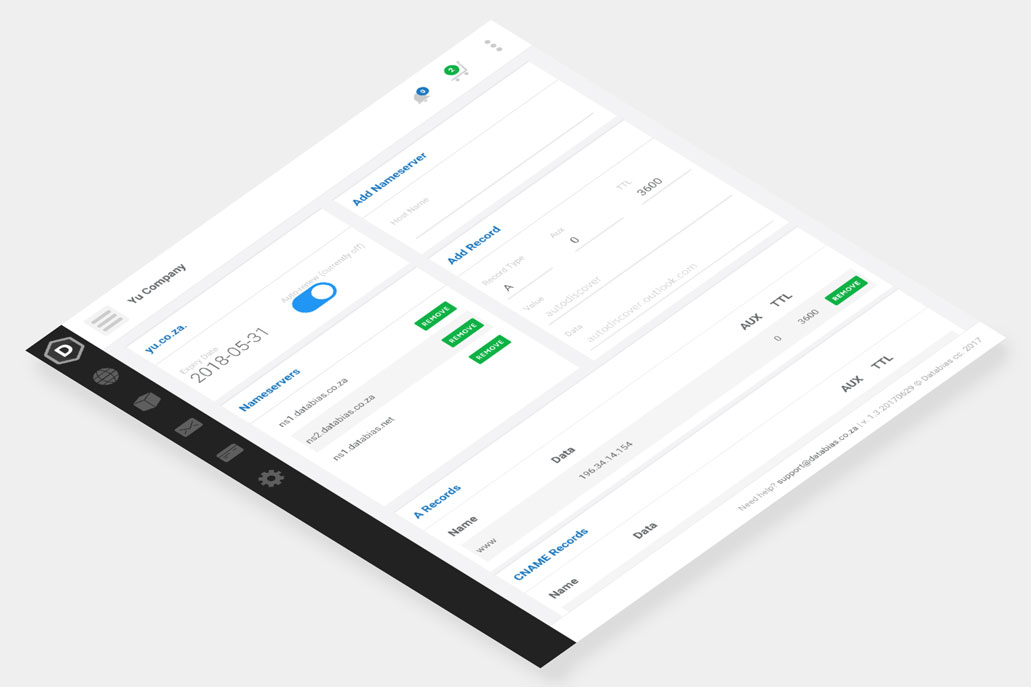
Domain management tools
Our DNS management system is based on the latest DNS technology available. Highly redundant and super fast; add a record to your zone and it is immediately online. Additionally, we support all types of resource records for superior domain control (SRV and TXT included).
We set up all new domains with logical defaults in order to minimise spam to your mailboxes.
Register your new domain
Contact us today to register a new domain and get started with a new email and website.
Already have a domain? Delegate or transfer to Databias.
You can leave your domain with your current registrar and point (delegate) all requests to Databias' nameservers. This avoids the hassle of unlocking and transfering a domain. We however would prefer you to transfer your domain to us - it's easier and simpler and means you get a single invoice for all your hosting services.
Our latest news
Latest self-help article
Configuring Outlook to send HTML instead of Rich Text Format
If recipients are receiving your emails with missing images, broken signatures, or a strange attachment called winmail.dat, the cause is almost certainly that Outlook is sending your messages in Rich Text Format (RTF) rather than HTML.